
Mobile Workflows
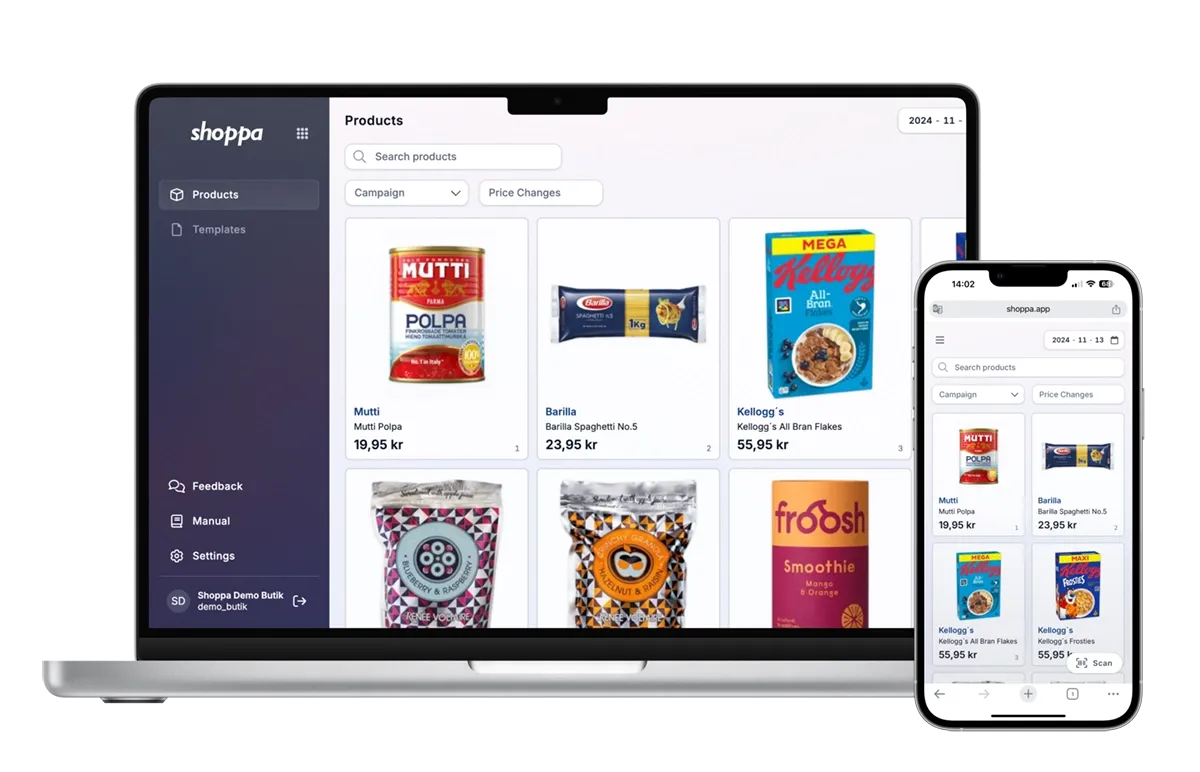
With Shoppa's mobile workflows, you manage both digital signage and printed store signs – directly from your mobile. Scan, update, and print signs quickly and easily, streamlining sign changes and campaigns in-store.
Filter products based on campaign or time period, and ensure correct placement with planogram support. Whether you work with digital signage or physical signs, you have full control of your store's communication – right in your hand.
Key Features
Price Change Filter
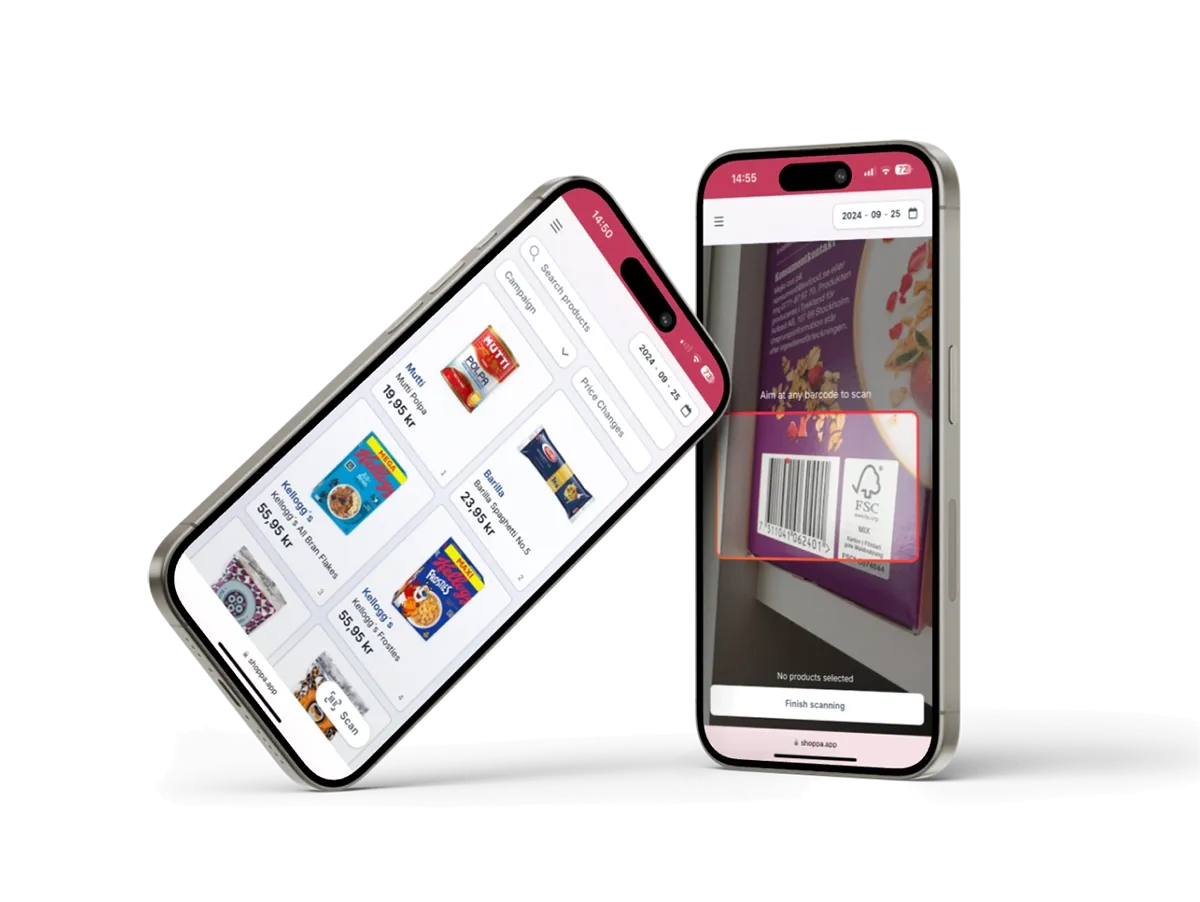
Easily find items with price adjustments using our price change filter. Select a time frame and find all price changes in one place
Planogram
Integrate your planograms for price labeling and ensure that printed signs follow the correct order.
Barcode Scanning
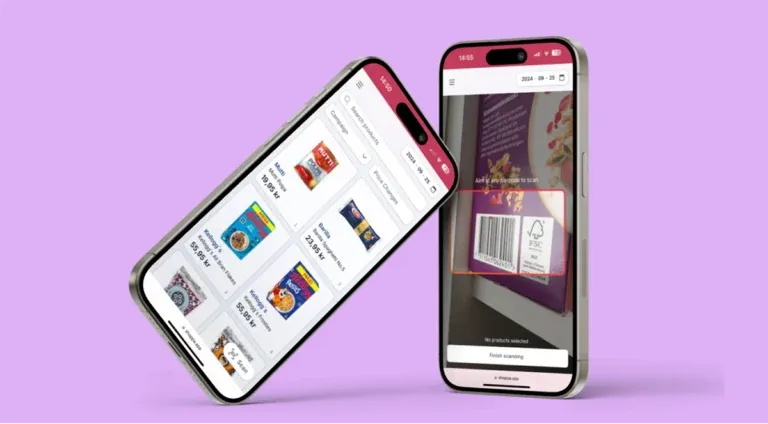
Shoppa Web promotes a mobile workflow with scanning and printing functionality. Spend less time in the office and more time in the store when printing your signs.